vCenter Server Deployment Error: Issue with Installer and Deployment Size
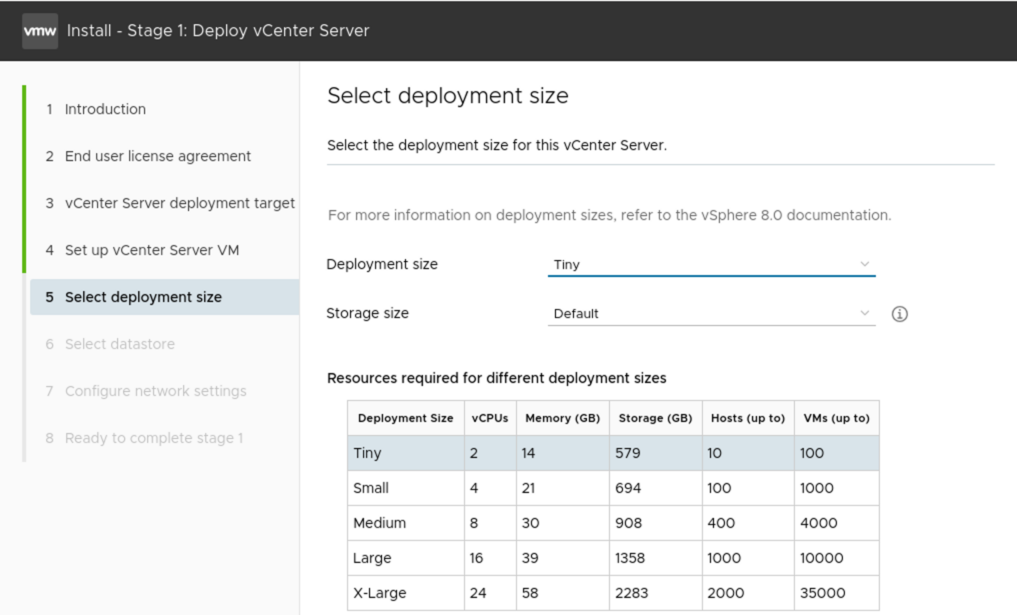
While deploying a vCenter Appliance on Fedora Linux, I encountered the following error:
Error:
1
2
A problem occurred while reading the OVA file:
TypeError: Cannot read properties of undefined (reading 'length')
The installer log, found in /tmp/vcsaUiInstaller, revealed this:
1
2024-10-01T19:27:44.548Z - error: OVF probe error: TypeError: Cannot read properties of undefined (reading 'length')
At first, I suspected a permissions issue with layout.json, but after verifying the file permissions, everything seemed correct. Next, I ran ovftool to check if it was causing any problems:
Command:
1
[vmware@console lin64]$ ./ovftool
Error:
1
./ovftool.bin: error while loading shared libraries: libnsl.so.1: cannot open shared object file: No such file or directory
It turned out that the libnsl library was missing. To fix this, I installed it with the following command:
bashdnf install libnsl
After the installation completed successfully, I didn’t need to restart the installer. I simply went back one screen and retried the deployment, which worked perfectly!
This post is licensed under CC BY 4.0 by the author.